The parent experience: reactions, moments from home and the memory book
What the diary feels like from the parents' side — reactions and seen ticks, photos and moments they share back, the memory book, and the Friday 'week in pictures' email.
4 min read
What lands on their phone
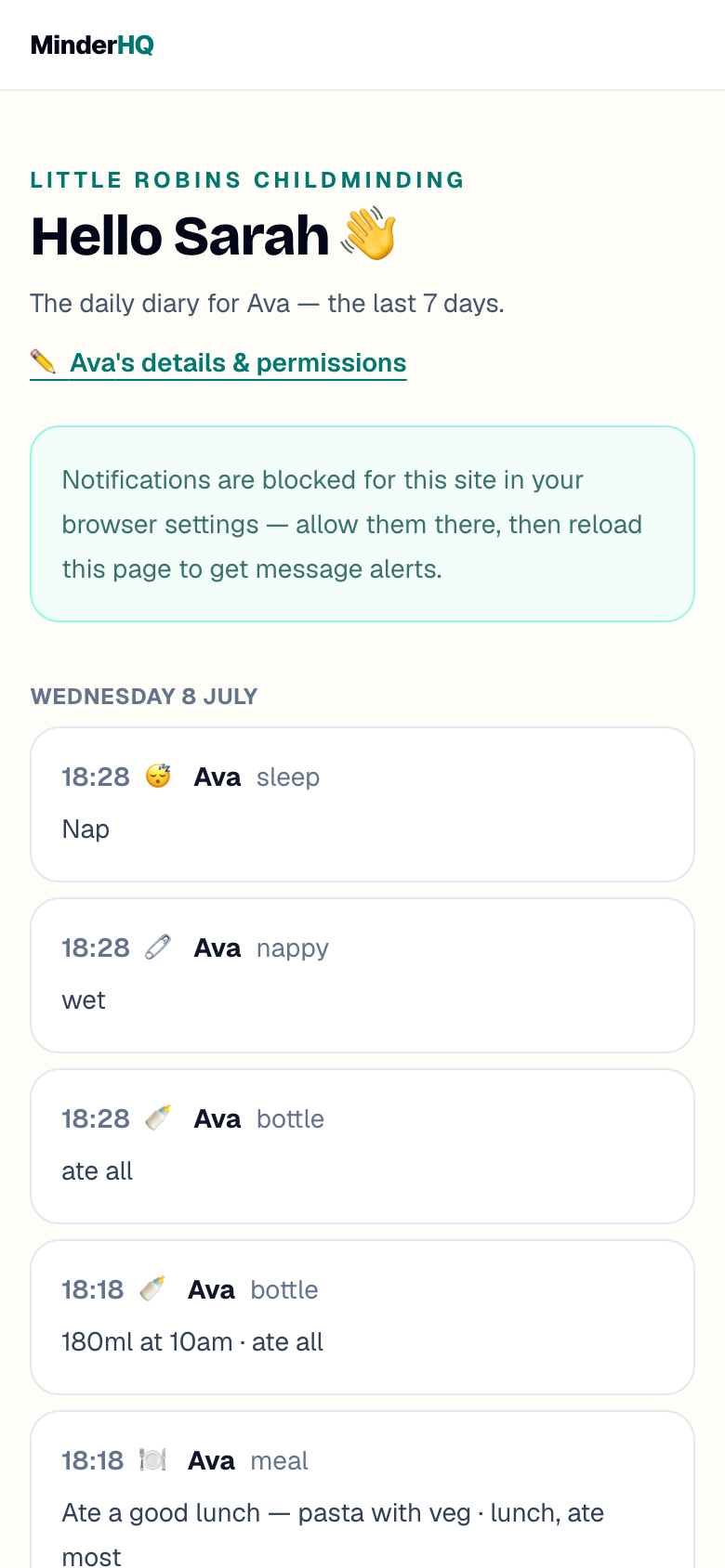
Every family sees their own child's day as it happens — meals, sleeps, nappies, activities and photos — in the parent app, or through their private link if they'd rather not install anything.
Photos open full-size and there's a save button under each one, so the paddling-pool picture makes it into the family album. Every photo sits behind the consents you've set — if a family hasn't said yes to group photos, they never see one.
Reactions and seen ticks
Parents can react to a diary moment or a message — a quick ❤️ instead of feeling they ought to type a reply. You'll see reactions come back on your side, and seen ticks show you what's landed.
It takes the pressure off both ends: they don't owe you an essay, and you're not wondering whether anyone saw the photo you stopped to take.
Moments from home
Families can post back: a photo or a short video from the weekend, with a note. It arrives in the child's diary marked as a moment from home, and you'll spot it on your Today board.
It works both ways — you get a conversation starter for Monday morning ("I hear you fed the ducks!"), and the learning journal quietly gains the home half of the child's life.
The memory book and the Friday round-up
Star a moment — from the Today board or a child's diary — and it joins that child's memory book: a timeline of firsts and favourites that parents can scroll any time, long after the moment has left the 7-day feed.
Then, every Friday afternoon, each family automatically gets a 'week in pictures' email — their child's week in one warm summary. There's nothing for you to send; it builds itself from what you've already logged.
- 1Tap the ⭐ on any diary entry to add it to the child's memory book.
- 2Parents find the memory book in their Diary tab.
- 3The 'week in pictures' email sends itself every Friday — parents can turn it off with one click if they'd rather not have it.
Grandparents welcome
Each family can have more than one private link. Add Grandma as another guardian on the child's record and send her an invite of her own — she gets the same diary and photos, behind the same consents.
Every link is individually private, and you can turn any one of them off without touching the others.
Tip: The more eyes on the diary, the more your daily logging gets noticed and valued — it's the work you already do, seen by the people it matters to.
Quick answers
Do parents need the app for any of this?
No — reactions, moments from home, the memory book and the Friday email all work through their private link in any browser too. The app just adds home-screen convenience and push notifications.
Can parents turn the Friday email off?
Yes — there's a one-click unsubscribe link in every digest. It only affects that family, and only the email; their diary stays exactly as it was.
Do reactions send me a notification every time?
No — reactions appear quietly on the entry and in Messages. Only actual messages follow your notification settings.