Accidents, incidents and medicines
Record accidents with the body map, notify parents the same day, and manage per-medicine permissions and dose logs.
3 min read
Record it while it's fresh
Bumps and scrapes happen. What matters is a clear record made the same day — MinderHQ turns it into a two-minute job, body map included.
Injury photos are stored privately, and hidden location data is stripped before saving.
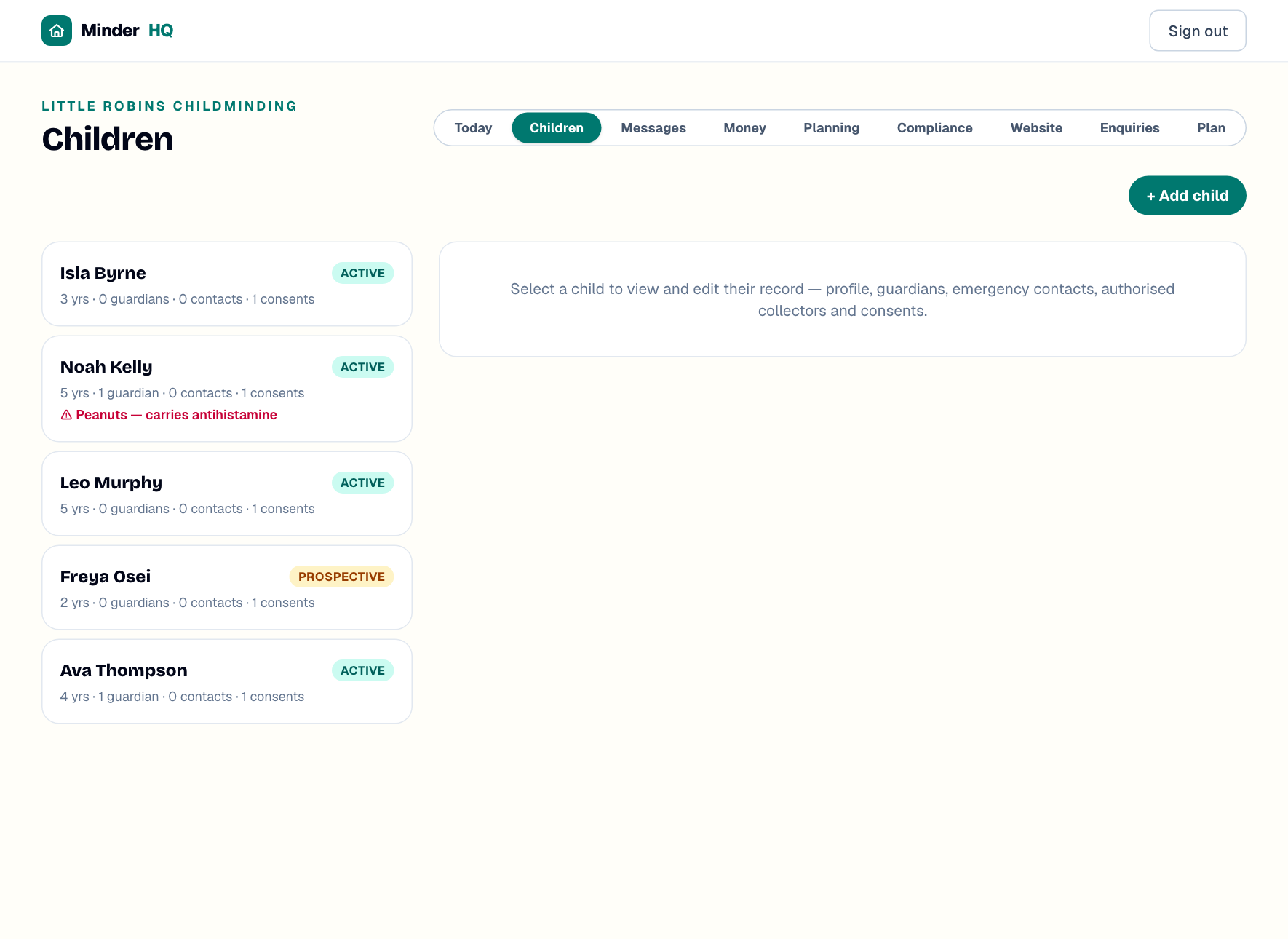
- 1Open "Children", choose the child, then open their "Incidents" tab. (In the MinderHQ app, "Manage" opens these same views.)
- 2Tap "+ New record".
- 3Set "Type": "Accident (here)", "Arrived with injury" for marks a child turned up with, or "Incident".
- 4Fill in "When", "Where" and "What happened", then "Injury" (e.g. graze, left knee), "First aid given" (e.g. cleaned, plaster) and "Witness".
- 5Use the body map to tap where the injury is — front and back views. Tap a mark again to remove it.
- 6Add a "Photo of the injury (optional)" if it helps, then tap "Save record".
Tip: A child arrived with a bruise from home? Record it as "Arrived with injury" the moment you spot it — it protects you and keeps the timeline straight.
Tell parents the same day
Telling parents about an accident on the same day is a statutory duty, and one button does it properly.
The record shows "Awaiting parent acknowledgement in the portal" until the parent opens it and confirms — then you'll see "Acknowledged by" with their name and the time. That's your signed accident form, without chasing a signature at the door.
- 1On the saved record, tap "Notify parents (text + email)".
- 2Every parent linked to the child gets a text and an email with their own private portal link. Injury details are deliberately kept out of the messages — parents read the full record in the portal.
- 3The record is stamped "Parents told" with the time.
- 4Already told them face to face? Tap "Told at pickup — just stamp it" instead.
Add a medicine and ask permission
Medicines need written permission — per medicine, per child. MinderHQ does the asking for you.
The medicine shows "awaiting permission" until the parent grants it. Once they do, you'll see "Permission given in portal" with the date and time.
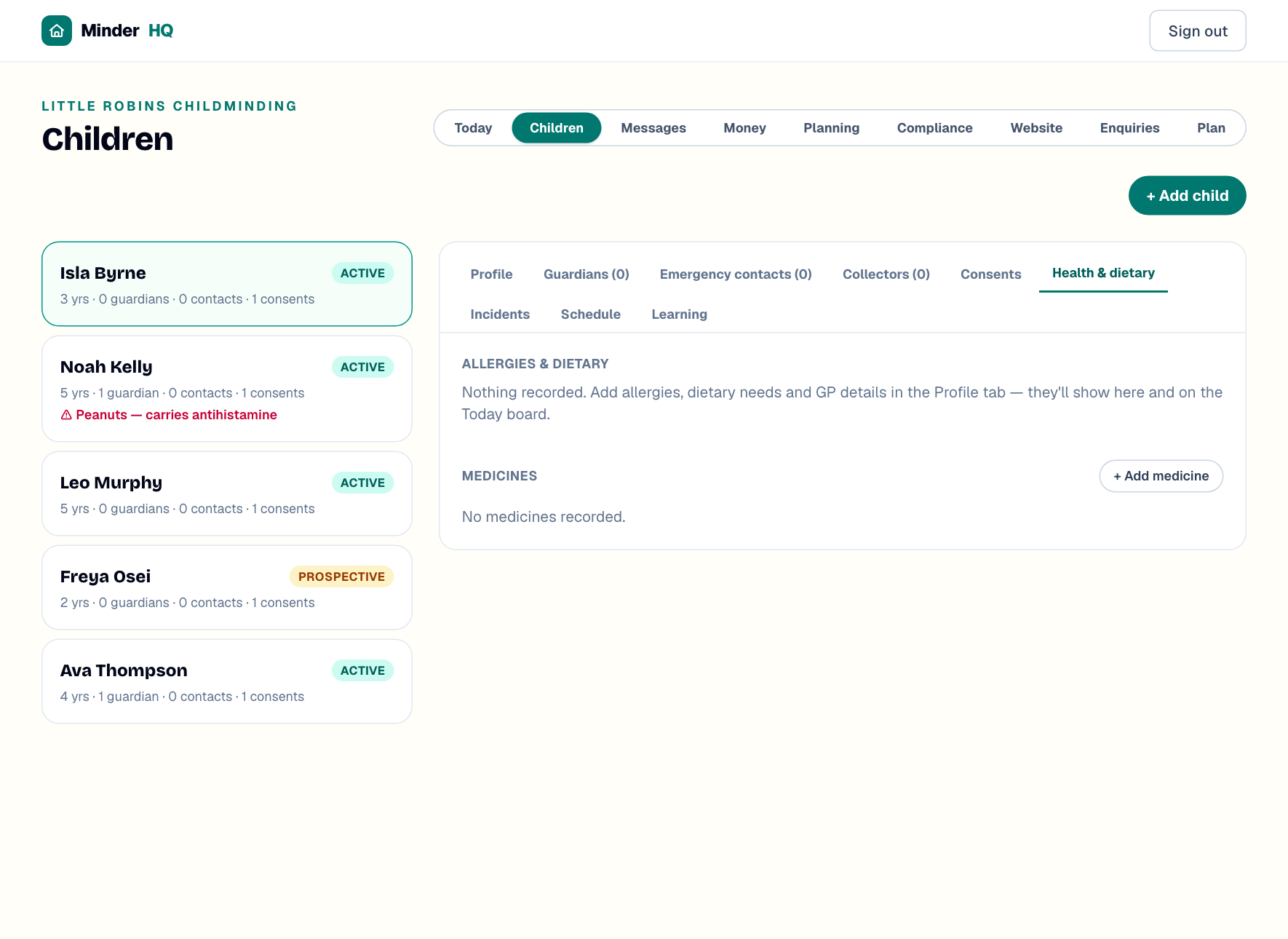
- 1Open the child's "Health & dietary" tab and tap "+ Add medicine".
- 2Enter the medicine (e.g. Calpol), the dose (e.g. 5ml) and when or how to give it (e.g. after lunch).
- 3Tick "Prescription medicine" if it is one.
- 4If a parent has already signed a paper form, tick "I already hold written permission (paper)". Otherwise leave it unticked — the parent gets a permission request on their portal link.
- 5Tap "Save medicine".
Log each dose
You can't log a dose until permission is in — the "Log dose now" button only appears once it's granted, so a missing permission can never turn into a mis-logged medicine.
- 1Tap "Log dose now" — it shows the usual dose in brackets, e.g. "Log dose now (5ml)".
- 2Each dose lands in the log under the medicine with the date and time.
- 3When the course finishes, tap "End".
Tip: Log the dose the moment you give it, not at the end of the day — the time stamp is the whole point.
Quick answers
Why don't the text and email mention the injury?
On purpose. Texts and emails aren't private enough for health details, so the message only says a record needs reading — the details sit behind the parent's private portal link.
Do both parents get told?
Yes — every parent linked to the child gets the text and email, each with their own private portal link.
Can I log a dose before permission is granted?
No. Dose logging stays blocked until a parent grants permission in the portal, or you tick "I already hold written permission (paper)" when adding the medicine.