Funded hours: codes, reconfirmations and headcounts
Track each child's 15 or 30 funded hours per term — codes, reconfirm reminders, headcount dates and a one-click CSV for your local authority.
3 min read
One card per child, per term
The free childcare offers — universal 15 hours, 30 hours for working parents and the 2-year-old offer — are paid per term by your local authority. Each term brings its own admin: codes to check, reconfirmation deadlines and a headcount return. The Funded Hours tab keeps all of it on one card per child, per term.
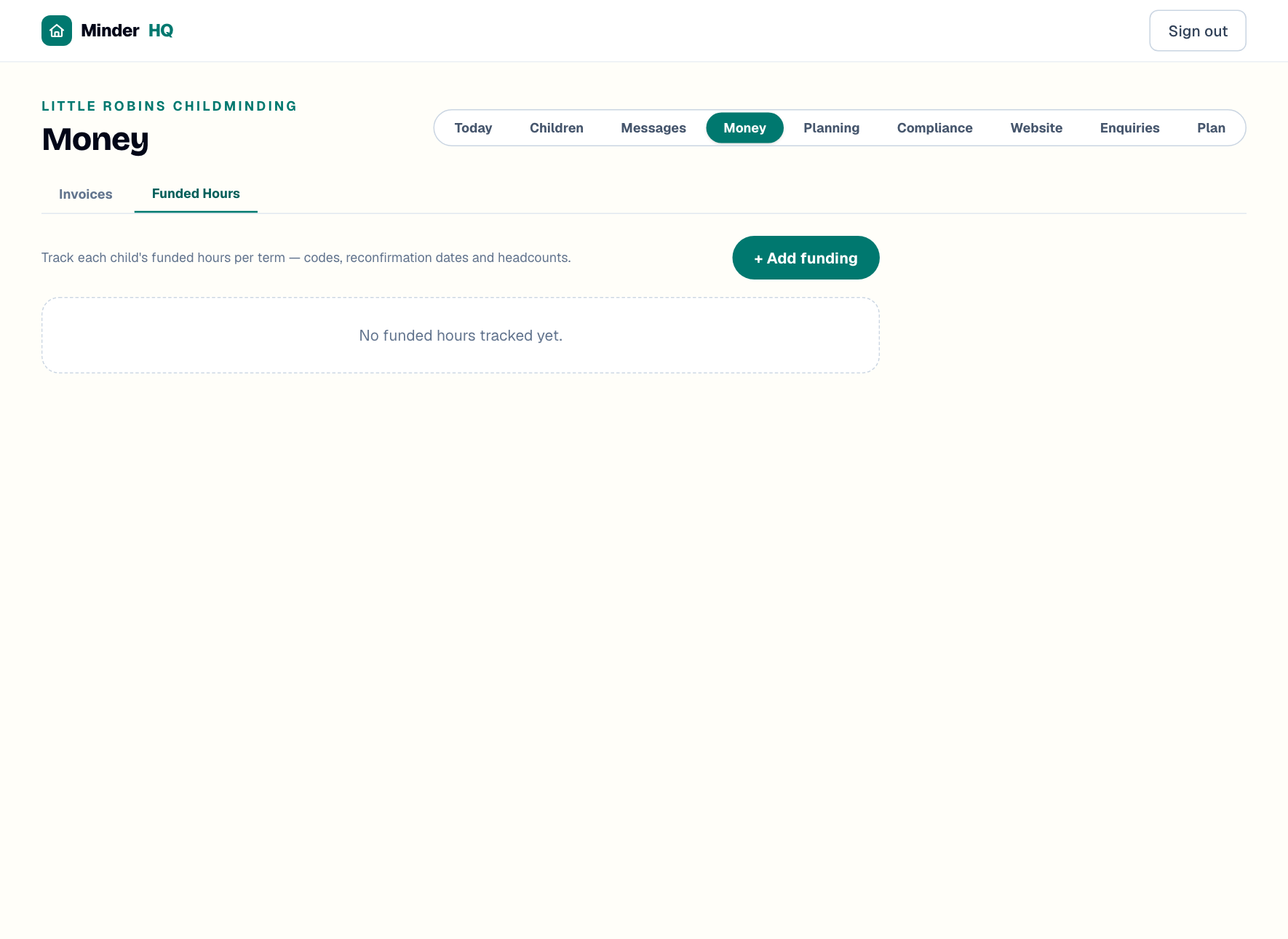
Open "Money" in your workspace, then switch to the "Funded Hours" tab. In the app, Today is the native tab — tap "Manage" to open this same Money view.
Add a term of funding
You'll need the hours and weeks you've agreed with the family, plus the parent's eligibility code if it's a working-parent offer. Once saved, the card totals it for you (30h × 38w = 1140h).
- 1In "Money", open the "Funded Hours" tab and tap "+ Add funding".
- 2Pick the "Child" and type the "Term", e.g. Autumn 2026.
- 3Choose the "Scheme": "30h working parents", "Universal 15h (3–4)", "2-year-old offer" or "Other".
- 4Set "Hours / week" and "Weeks" — 38 for term-time, or 51 if the family stretches the offer across the year.
- 5Add your "Local authority", and for working-parent offers the parent's 11-digit "Eligibility code" and its "Code reconfirm due" date.
- 6Add the "LA headcount date" if you know it, then tap "Save funding".
Tip: Ask for the reconfirmation date at the same time as the code — parents can see it in their government childcare account. Enter both together and the reminders below will do their job.
Amber and red: codes due for reconfirming
Parents must reconfirm their eligibility code roughly every 3 months, and a lapsed code can cost the whole term's funding. The tab watches every "Code reconfirm due" date for you: within 14 days of the date, the badge on the child's card turns amber; once the date passes it turns red and shows "OVERDUE".
A warning banner also appears at the top of the tab counting how many codes need reconfirming. When you see it, send the parent a quick reminder from Messages.
Headcount day and the CSV for your LA
Headcount is the date your local authority counts who actually attends — it's what your funding payments are based on. Once you've entered a child's "LA headcount date" it shows on their card, so nothing sneaks up on you.
- 1When your LA return is due, open the "Funded Hours" tab.
- 2Tap "Headcount CSV".
- 3A file called funded-hours-headcount.csv downloads, listing each child's name, date of birth, term, scheme, code, hours, weeks, total hours, local authority and status — ready to copy into your LA's portal or form.
Pending, confirmed, claimed
Every card has a small status dropdown so you always know where the money is. Use "pending" while you're waiting for the LA to verify the child's place, "confirmed" once they have, and "claimed" when you've submitted the claim or been paid. "Remove" deletes a term added by mistake.
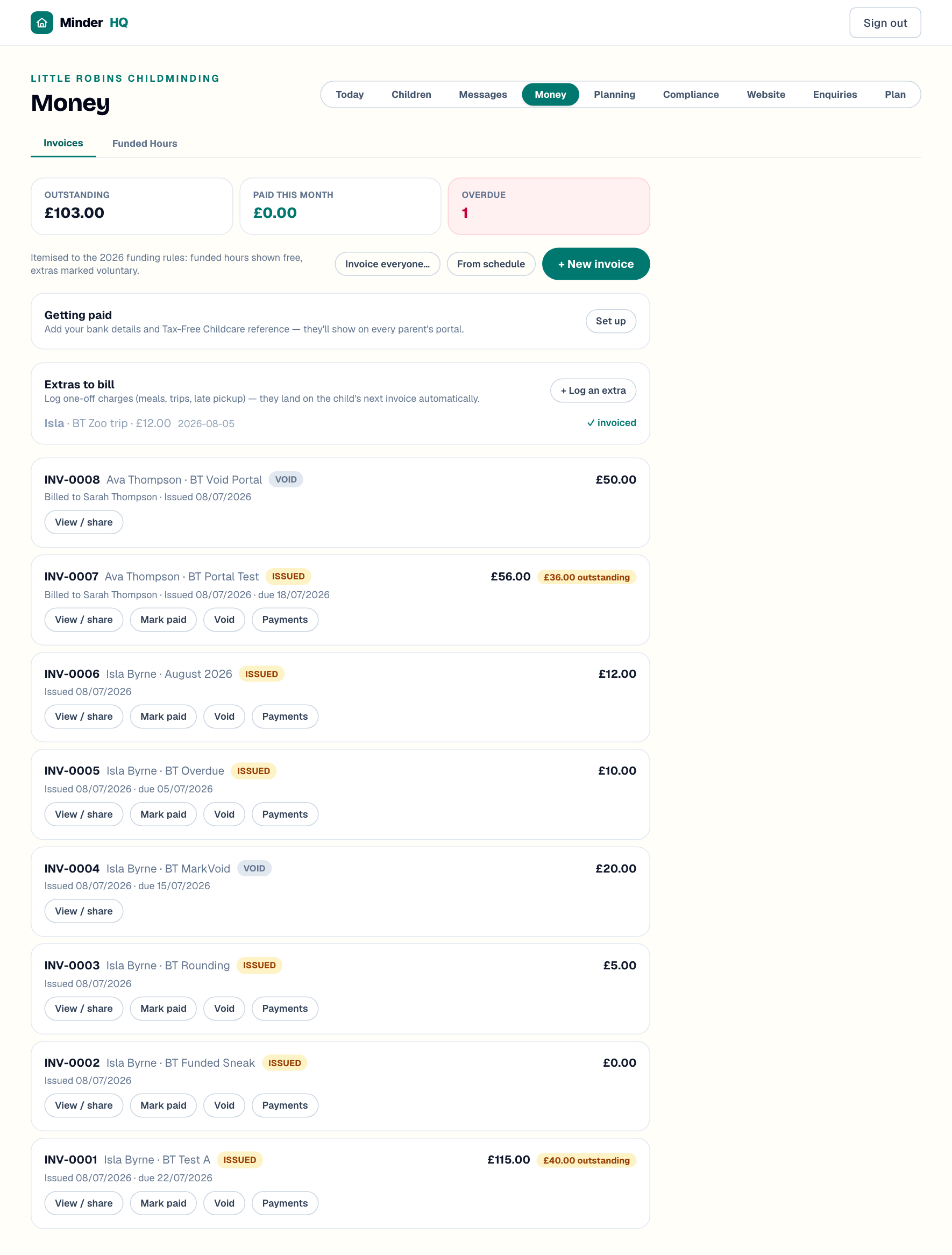
And when you invoice, funded hours always itemise at £0.00 — parents see their entitlement being used, but are never charged for it.
Quick answers
How do I record a stretched offer?
Set "Weeks" to 51 instead of 38 and enter the lower weekly hours you've agreed. The card totals the hours so you can check it matches the child's entitlement.
Does the 2-year-old offer need a code?
The "Eligibility code" field is for working-parent offers. Leave it blank for terms without a code — the reconfirm reminders simply won't apply.
What if a parent misses their reconfirmation date?
A lapsed code can cost the term's funding. The card turns red and shows "OVERDUE" — ask the parent to reconfirm in their childcare account straight away.